

UPDATE: March 9, 2025
Neofetch hasn’t been updated in 4 years, and appears to be discontinued yet available. I have since switched to Fastfetch, which is faster, more configurable, and updated more frequently.
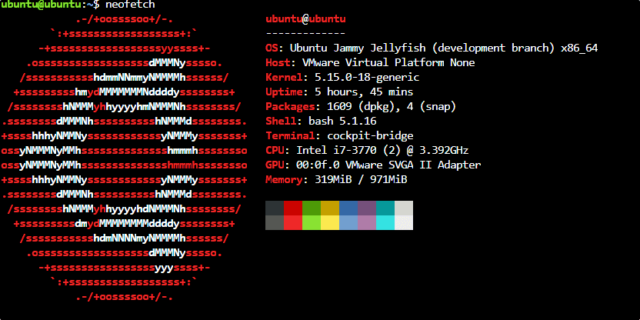
I ran into a problem after installing Neofetch and setting it up as MOTD (Message Of The Day). Neofetch is a cool little utility that displays the logo of the operating system on the left side of the screen, and system information of the right side. When you or any user runs Neofetch for the first time, it creates a default configuration file in $HOME/.config/neofetch/config.conf, which then you can change to make Neofetch display specific system info and/or OS logo. What I wanted was a universal configuration with my custom OS Logo, so that any new users would get the configuration I set up.
Searching the internet gave me lots of different things to try that didn’t work. Like placing config.conf in ./etc/neofetch, or /usr/share/neofetch, etc.. None of these worked.
Then I remembered reading that Neofetch was written in BASH. so I fired up Nano and opened ./usr/bin/neofetch and sure enough, it’s text editable, and the default configuration is built into the executable it’s self. It’s right at the top of the file. Change the configuration to what you want, and save the file. Make sure you delete $HOME/.config/neofetch/config.conf if it already exists or it will override the new default configuration. And there you have it, the easy way to make sure everyone shares the same default config.